

Video Editing in Green Screen
1. What is Green Screen?
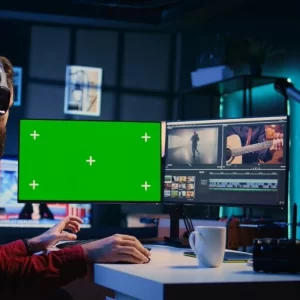
Green screen means recording a video in front of a green background and later replacing that green part with any other photo or video.
Example: you record in front of a green wall, but in editing, it looks like you are standing in Paris or space.
2. Why Green?
Because green is different from skin color and most clothes, so the software can easily remove it.
3. How It Works?
- Shoot in front of green cloth or wall.
- Open the video in an editing app.
- Use the “chroma key” or “remove green screen” option.
- Add any background you like.
4. Where It’s Used?
- Movies (superhero flying, action scenes)
- News (weather reports)
- YouTube videos and reels
5. Simple Tips:
- Use plain green cloth without folds.
- Don’t wear green clothes.
- Good lighting makes it look better.
In short: Green screen lets you shoot anywhere but look like you’re everywhere!
Easy Steps for Green Screen Video Editing
Step 1: Set Up the Background
Use green cloth, chart paper, or a green wall. Make sure it is plain, smooth, and well-lit. Avoid shadows and folds.
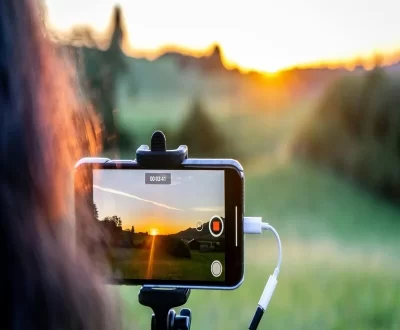
Step 2: Record Your Video
Stand
additionally check it out other post - How to Download Capcut in Mobile
More from our blog
See all posts


Recent Posts
- How to Add Subtitles and Captions Easily in Your Videos October 14, 2025
- comparison between After Effect and Premiere Pro September 1, 2025
- Slow Motion Video Editing August 28, 2025
Pingback: sildenafil corpus cavernosum mechanism