

Welcome to Edit with Vishwas
Your one-stop destination to learn everything about video editing!
Here, you’ll find simple tutorials, helpful tips, and honest reviews of the best mobile and PC editing apps. Whether you’re a beginner or already love creating videos, Edit with Vishwas will help you level up your editing skills and make your content stand out.





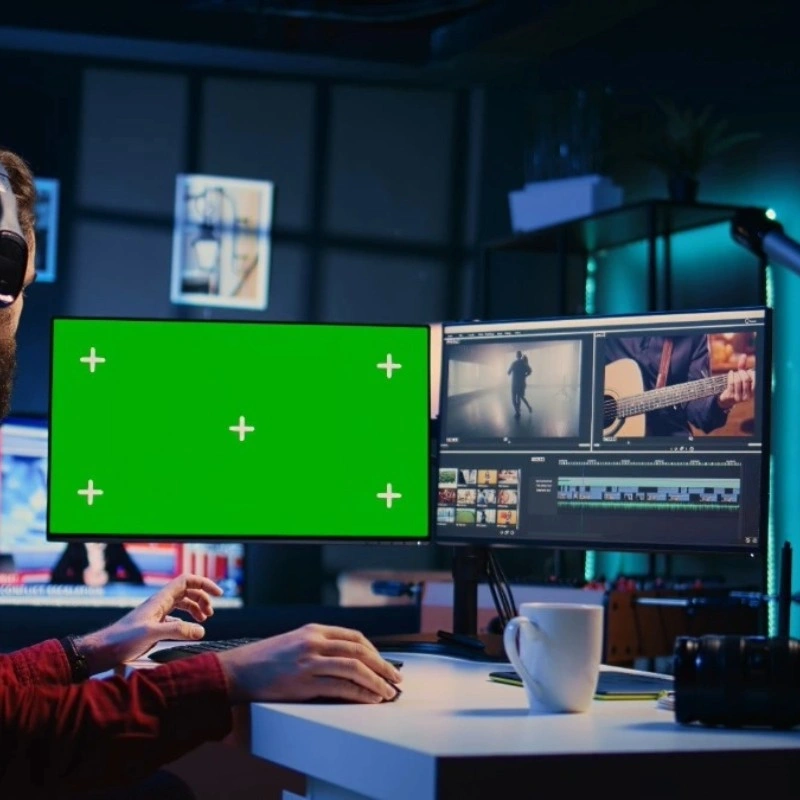
Video Editing and Apps for Editing
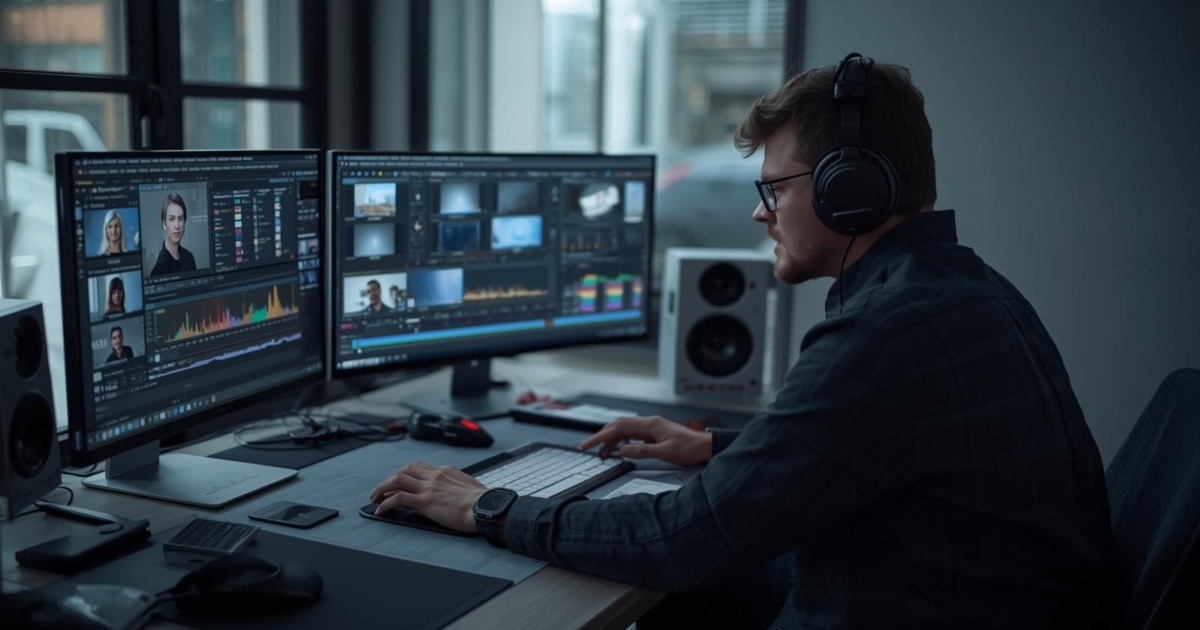
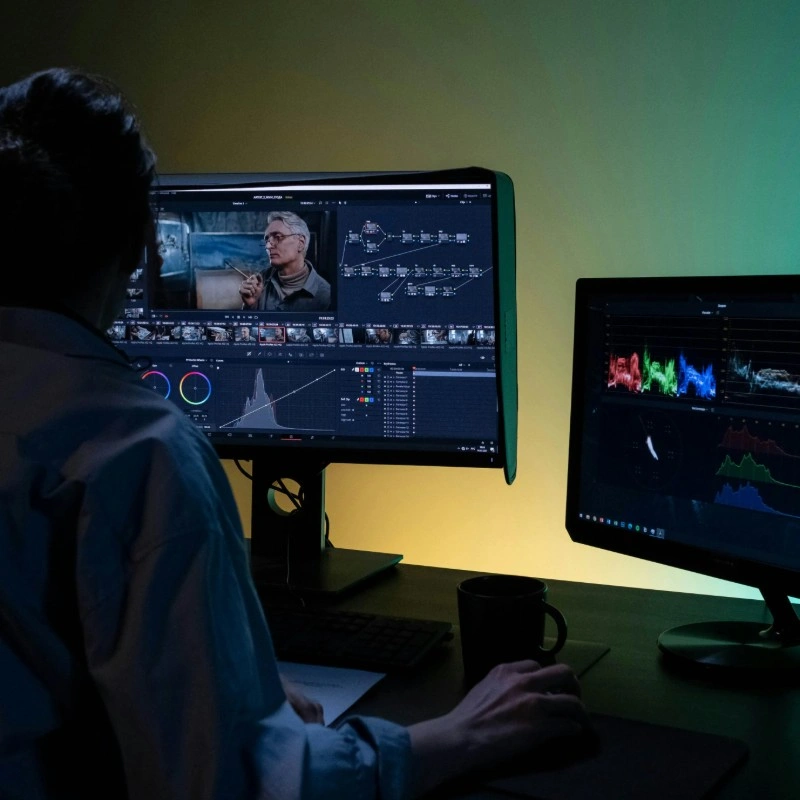
Video editing has become one of the most important skills in the modern digital world. With the rise of social media platforms like YouTube, Instagram, and TikTok, people are creating and sharing videos more than ever before. Video editing is the process of arranging and improving video clips to make them look more professional and engaging. It helps in telling a story, adding emotions, and keeping the audience interested. Earlier, editing required expensive software and professional computers, but now many mobile apps make the process easy and accessible for everyone.
Video editing allows you to cut unwanted parts, add transitions, insert background music, and apply visual effects. It helps turn ordinary videos into creative and eye-catching content. Whether you are a beginner or a professional, good editing can make your videos stand out and leave a lasting impression on viewers. Many people are learning video editing to start their YouTube channels, promote their business, or simply share their creative ideas online.
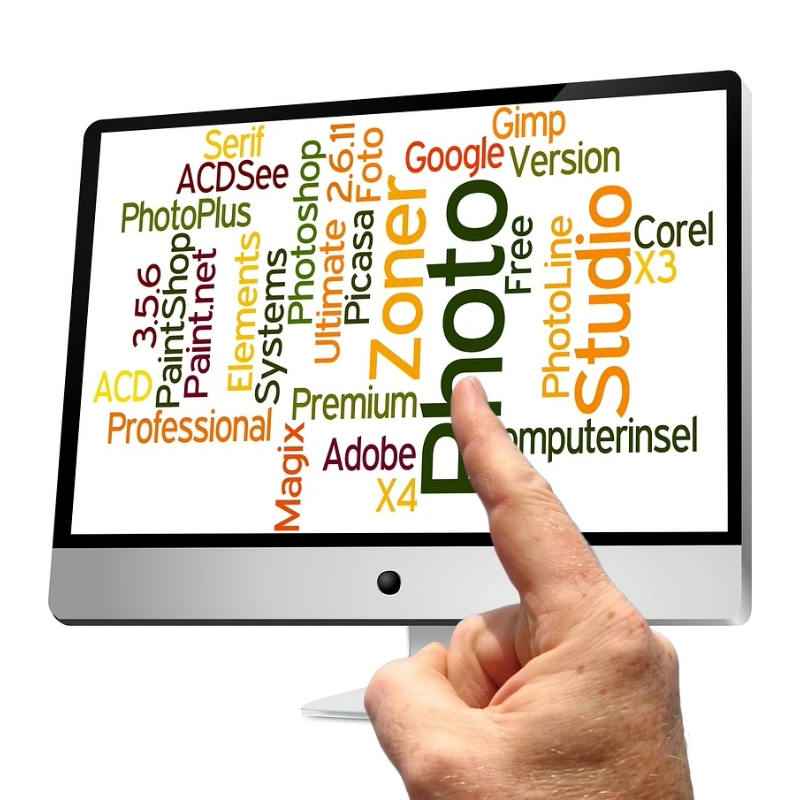
There are several mobile and desktop apps that make video editing simple and fun. One of the most popular apps is CapCut. It is free, easy to use, and offers many features such as filters, transitions, effects, text, and background music. Many content creators use CapCut for editing Instagram Reels and TikTok videos because it provides ready-made templates that save time. Another great app is InShot, which is perfect for beginners. It allows you to trim clips, add music, change the speed of videos, and even adjust brightness and contrast. InShot is available for both Android and iOS users and is known for its user-friendly interface.
KineMaster is another powerful app that gives more advanced options. It allows multi-layer editing, adding voiceovers, and using green screen effects to create professional-quality videos. Although it shows a small watermark in the free version, it offers premium features for users who want to upgrade. VN Video Editor is also a great choice for people who prefer clean and ad-free editing. It provides smooth performance, advanced tools, and high-quality export options. For those who prefer editing on computers, Adobe Premiere Rush is an excellent choice. It is a simpler version of Adobe Premiere Pro and helps users edit quickly on both mobile and desktop devices.