


1. What is Video Editing?
Video editing means taking your raw video clips and making them look cool, smooth, and ready to share. You cut out boring parts, add music, text, effects, and finally create a nice polished video.
(video-editing-beginners-guide)
2. Which App Should You Use?
Don’t worry about pro software in the beginning. Start with easy apps:
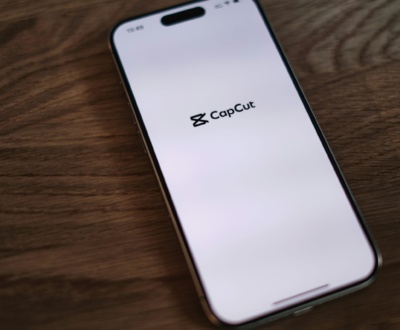
- Mobile → CapCut, VN, InShot, Vita, Kinemaster
- Laptop/PC → Filmora, iMovie (Mac), Power Director, DaVinci Resolve (free but advanced)
3. Basic Things You Should Learn First
- Cut/Trim → Remove mistakes or extra parts & make video interesting.
- Join Clips → Put all your clips together in order.
- Text/Titles → Add names, subtitles, or a short intro.
- Music → Add background music (not too loud).
- Transitions → Smooth change between scenes (don’t overuse).
4. Make Your Video Look Better
- Adjust brightness and colors so the video looks clear.
- Try slow motion or fast motion for fun effects.
- Keep editing simple; don’t add too many filters.
5. Audio Matters Too
- Use clear sound.
- If you add background music, keep your voice louder.
6. Export / Save Video
- Always save in MP4 format.
- For YouTube/Reels, use 1080p HD quality.
7. Practice, Practice, Practice!
First few edits may look funny or messy, but that’s okay. Video editing is not hard—you just need patience and practice. Start small, edit short clips, and don’t worry about perfection. The more you practice, the better you'll get.
Remember: Keep it simple, clean, and fun. That’s the real secret of good editing.
additionally check it out other post - comparison between After Effect and Premiere Pro
More from our blog
See all posts


Recent Posts
- How to Add Subtitles and Captions Easily in Your Videos October 14, 2025
- comparison between After Effect and Premiere Pro September 1, 2025
- Slow Motion Video Editing August 28, 2025